




For students
- Learn with peers in a tutoring group for the same subject.
- Hear how others work through problems during live sessions.
- Use the same in-app video, whiteboard, and chat tools as one-on-one tutoring.
Group Tutoring
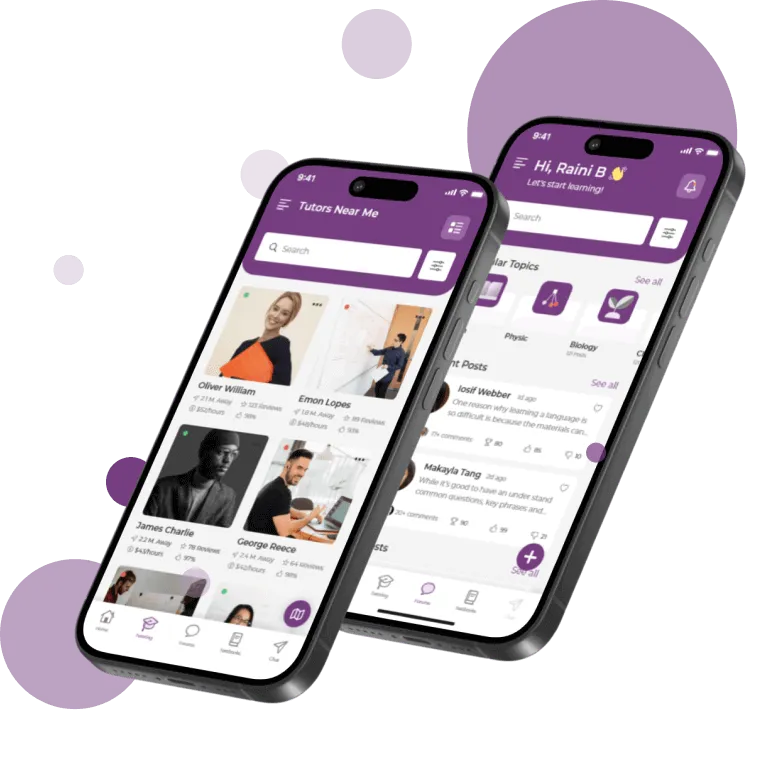
BusyHen group tutoring lets one tutor teach several students in a shared live session. Tutors set capacity and schedule, and can clone group setups when they want to repeat a format. Groups meet over live video, use the shared whiteboard, and stay connected through messaging - inside the same BusyHen app where sessions are booked and paid for through Stripe.
Small-group sessions with capacity, schedule, and clone options - same video and whiteboard tools as one-on-one.
Shared classroom
BusyHen connects students and tutors for online sessions in interactive virtual classrooms with video calls, whiteboards, file sharing, and messaging.
Group tutoring uses the same tools but adds more seats: instead of one student and one tutor, a small group of students joins the same lesson and learns together.
Group sessions are designed for situations where:
For students
From finding a group to joining the virtual classroom - end to end inside BusyHen.
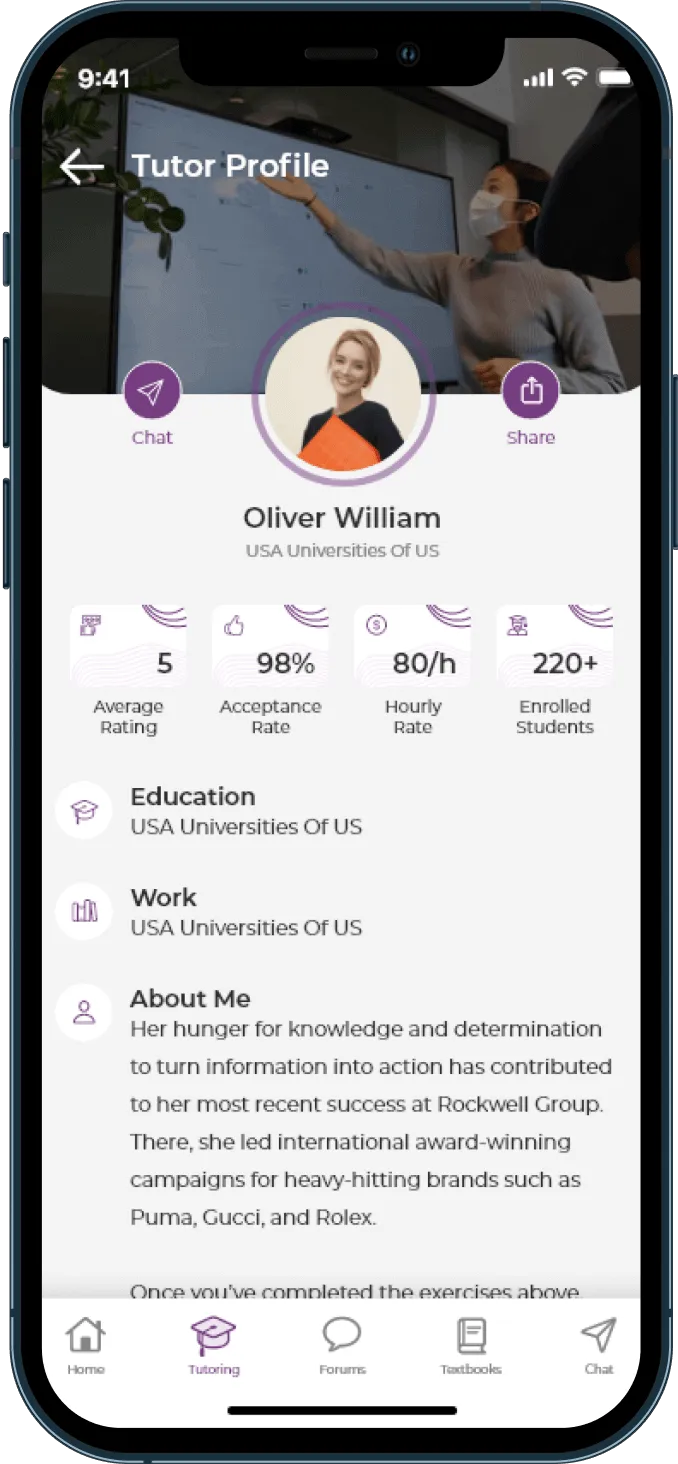
Students discover tutoring groups on a tutor’s BusyHen profile and choose one that fits their subject and schedule.
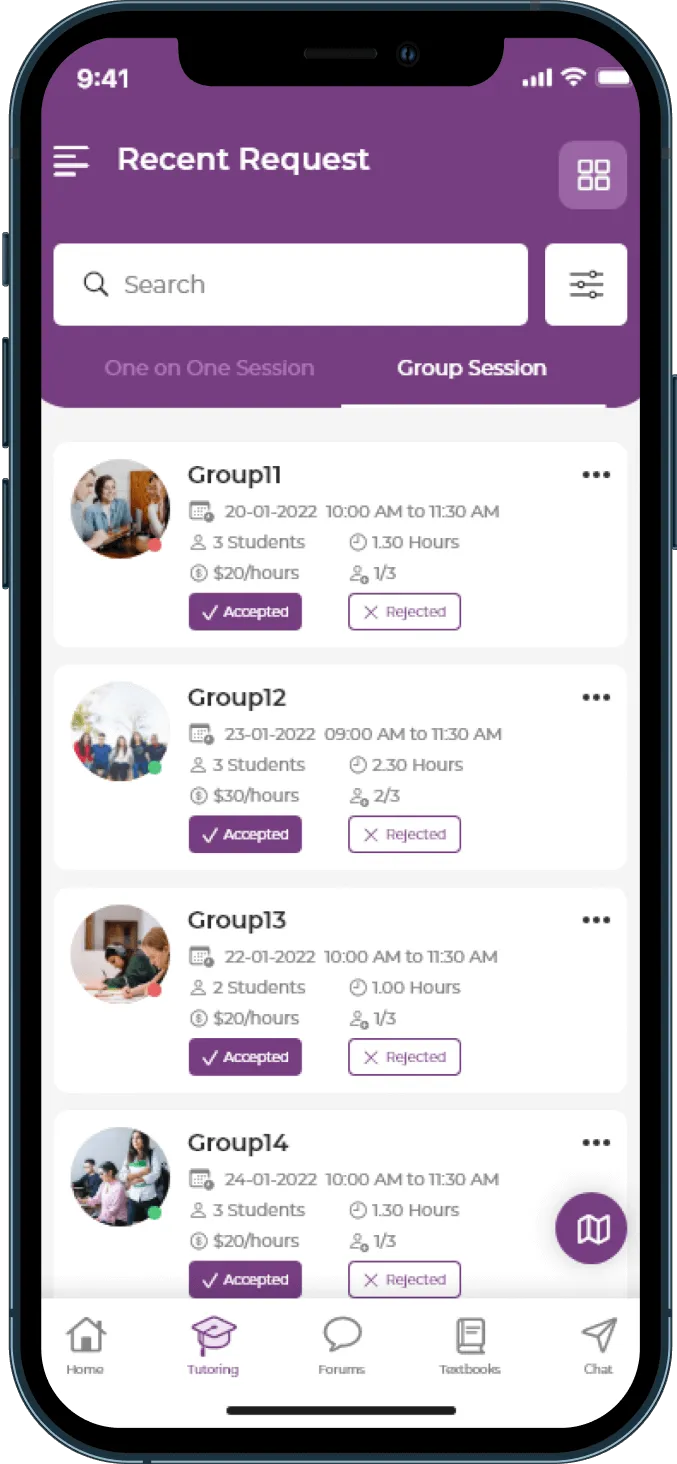
Each group can include subject, category, hourly rate, session schedule, duration, capacity, and group imagery.
Students send a request to join the tutoring group.
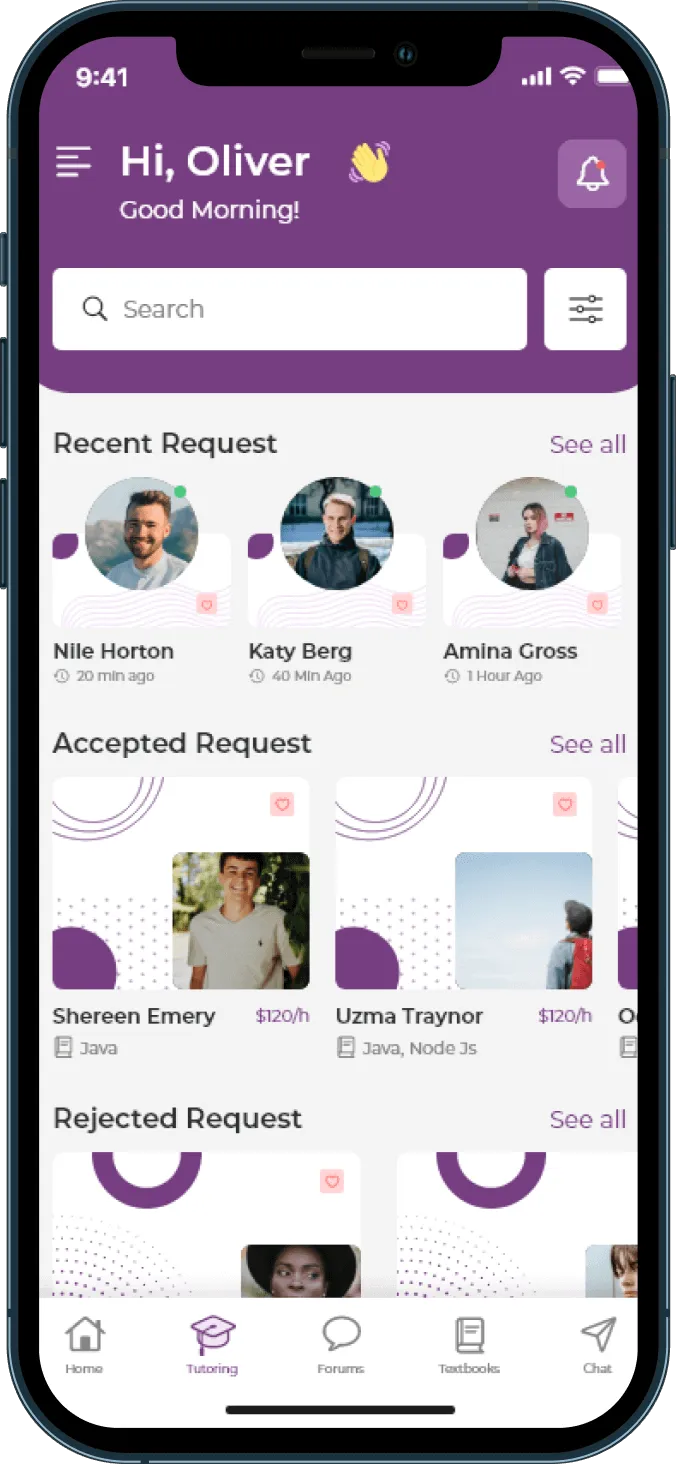
The tutor accepts or declines the request. Students can track status and receive push notifications.
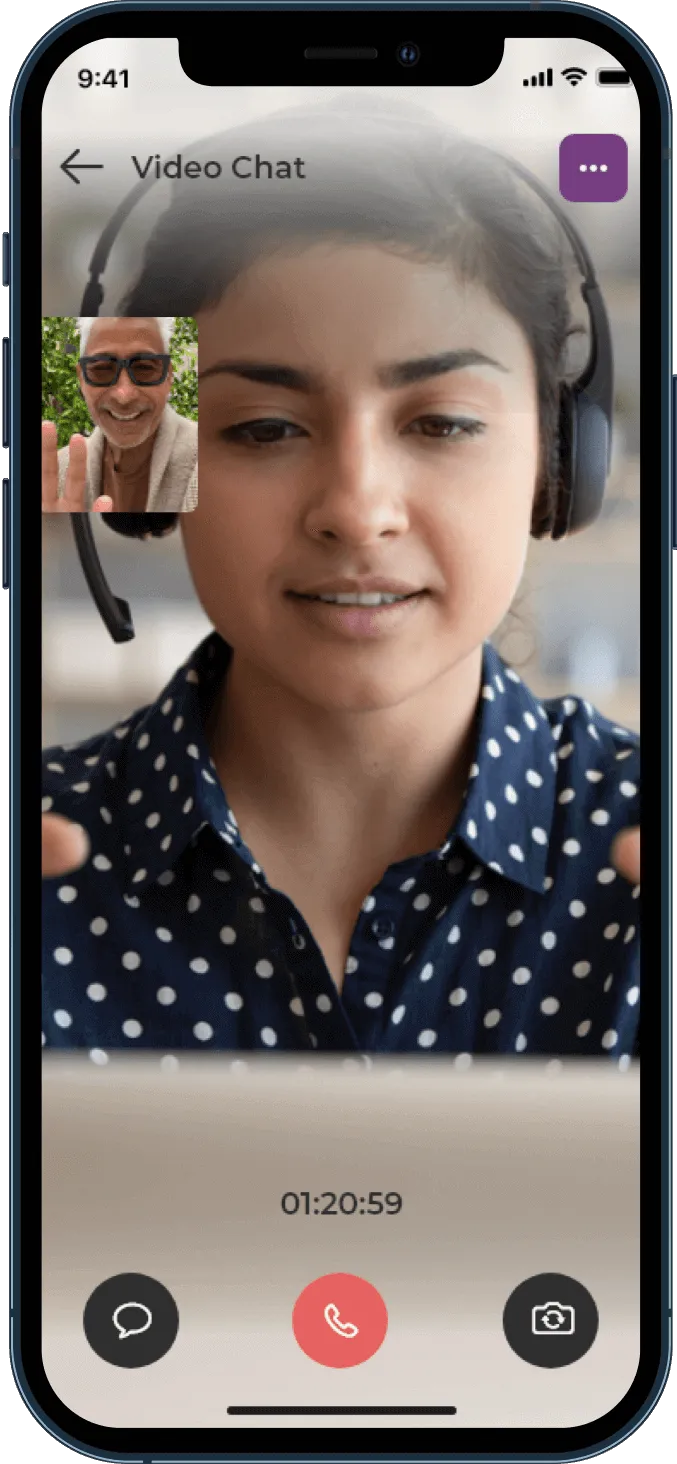
When the session starts, students join group live video tutoring inside BusyHen with whiteboard and chat.
For tutors
Teach more students in the same hour while keeping sessions structured - with the same BusyHen tools, nothing extra to install.
Set subject, category, hourly rate, schedule, duration, capacity, group photo, and cover image.
Clone an existing group to quickly create a similar session setup.
The group appears on the tutor’s BusyHen profile so students can discover and book it.
Tutors review pending group requests and accept or decline seats.
Start group live video with whiteboard and chat - the same in-app tutoring environment used for one-on-one sessions.
When to choose group
Group sessions are not a replacement for all one-on-one tutoring, but they are better in specific cases. BusyHen supports both formats so families and tutors can choose what fits each situation.
When several students need help with the same subject, group tutoring lets them learn together in one session.
Tutors set capacity, schedule, and duration so the group stays manageable.
Working with others lets students hear questions and explanations they might not get alone.
Group hourly rate and capacity details are available before a student requests a spot.
Inside the classroom
BusyHen’s virtual classroom tools are the same for group and one-on-one sessions; the difference is the number of students in the room. Group sessions keep structure and interactivity, not chaos.
Students join a live video call with the tutor and classmates.
The tutor uses the digital whiteboard to walk through examples while everyone watches and participates.
File sharing provides worksheets, practice sets, or reading passages.
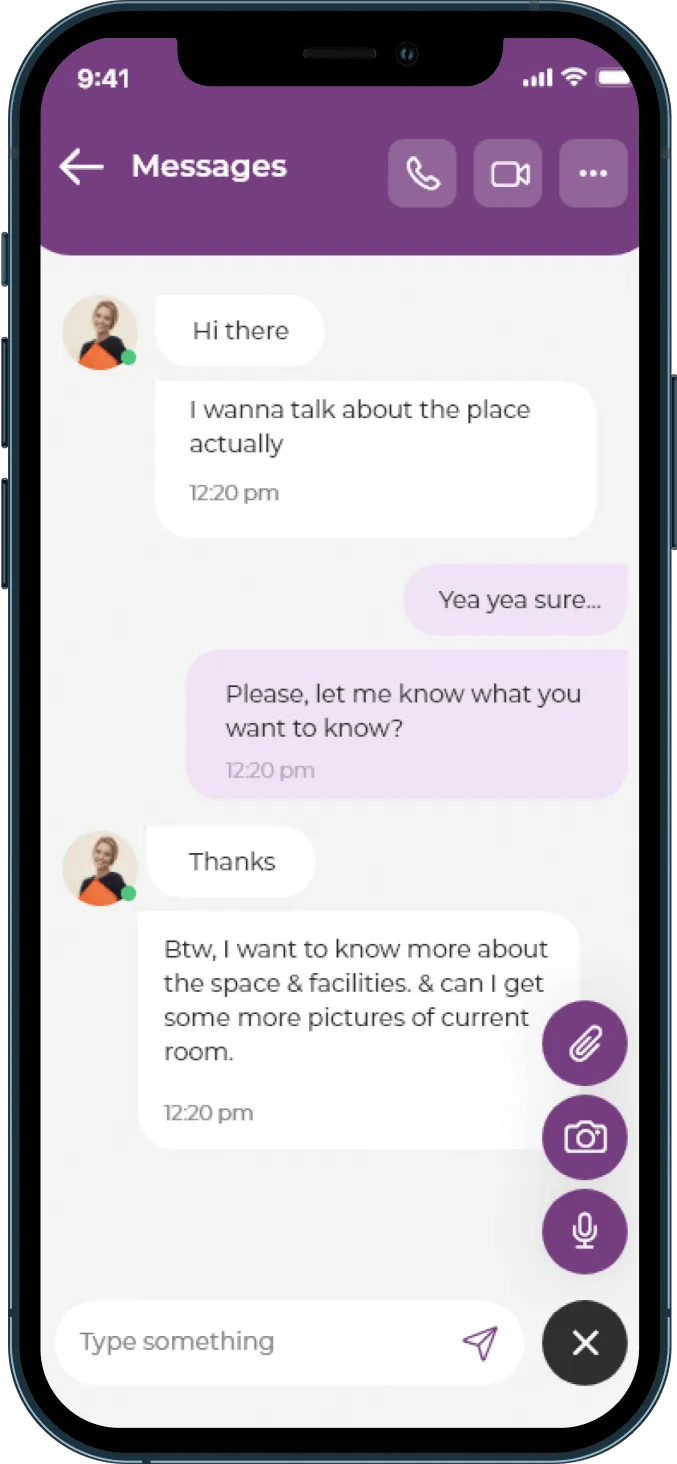
Real-time messaging lets quieter students type questions or answers without interrupting.
Pricing
Group sessions typically split the tutor’s time across multiple students, which can lower the price per student while still compensating the tutor fairly.
Benefits
Small-group learning that stays inside the same app students and tutors already use.

Group Tutoring
Download
Download BusyHen to find or host group tutoring sessions with clear capacity, schedule, and pricing. Learn with peers over live video and whiteboard - without leaving the app.