
For Tutors
Teach online, set your own rate, and get paid - from one app
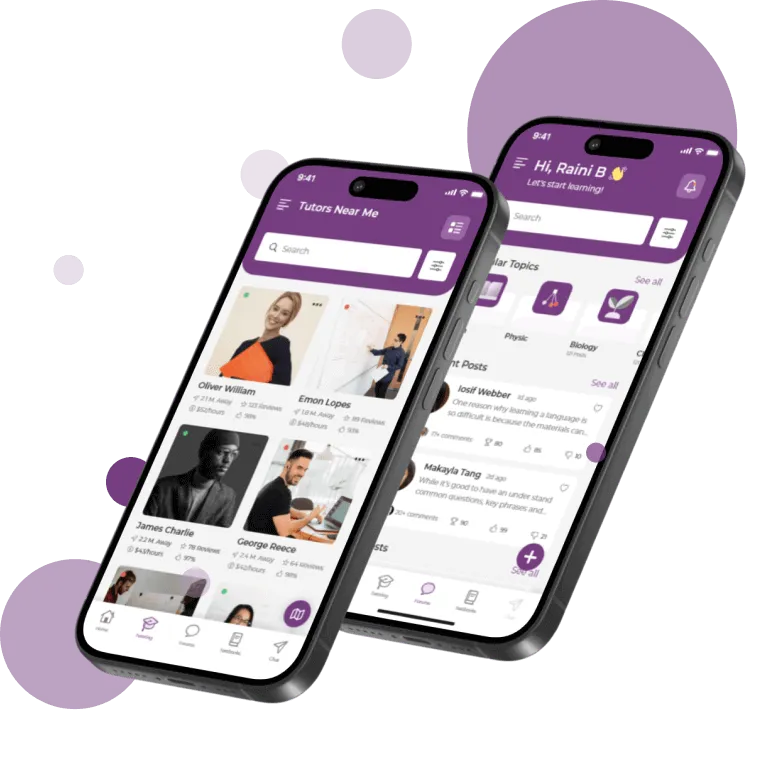
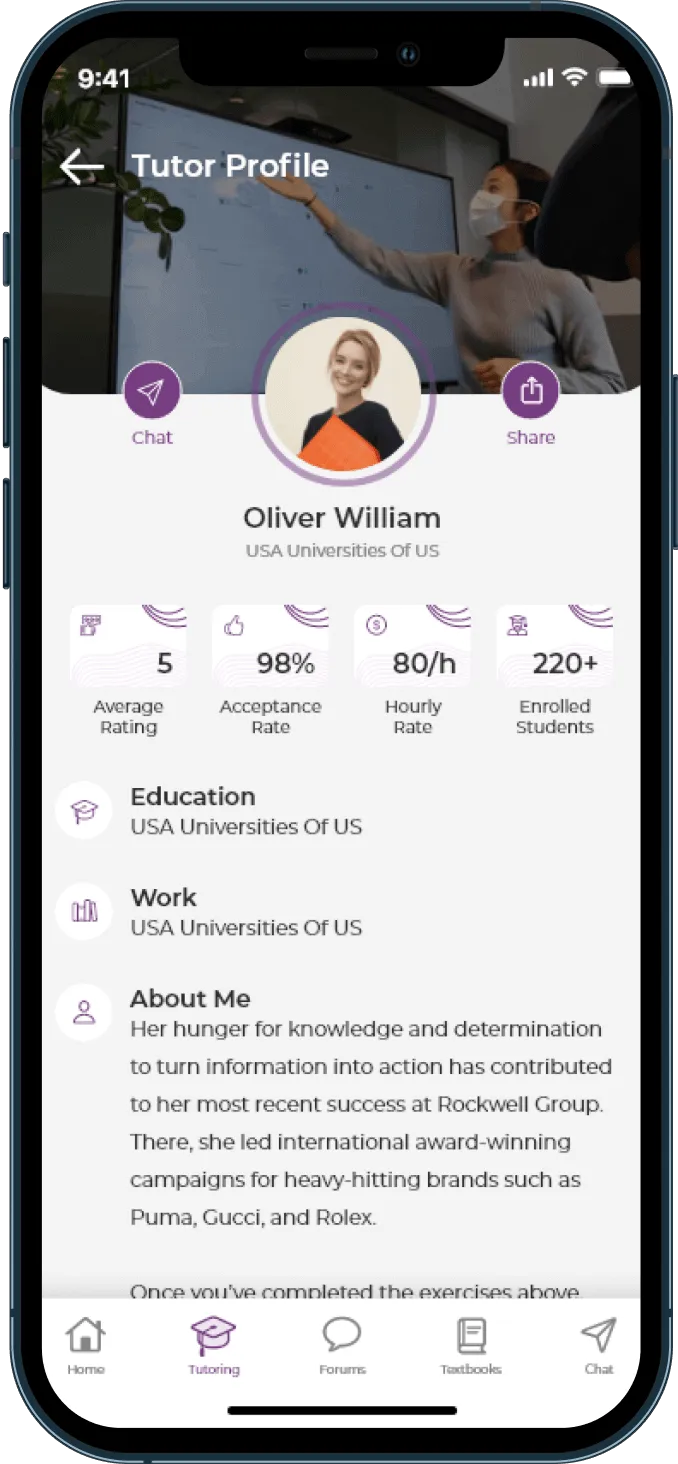
BusyHen is a peer-to-peer tutoring marketplace. Tutors publish a profile with their bio, education, hourly rate, and subjects, then accept or decline incoming session requests. You teach over in-app video with a shared whiteboard, create groups to teach several students at once, and receive payouts through Stripe after identity and bank verification. Switch between tutor and student in the same account - there is no separate tutor app.


Get started
How do you start tutoring on BusyHen?
Five steps from download to your first accepted session - all in the same app students use.
- 1
Download and sign up
Download the app and sign up with Apple or Google.
- 2
Switch to the tutor role
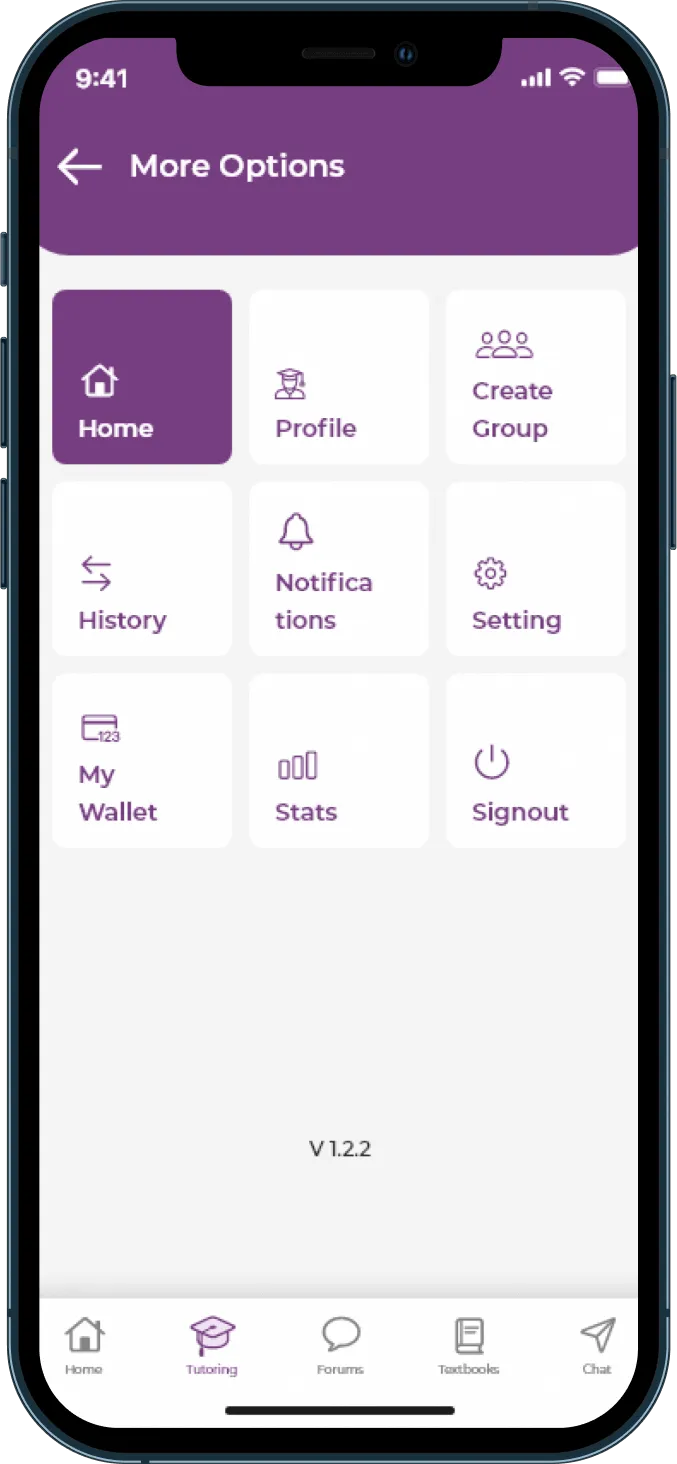
Switch from the Home tab. No second account, no second app.
- 3
Publish your profile
Add bio, education, university, hourly rate, and the subjects you teach.
- 4
Complete payout setup
Stripe identity verification and bank details.
- 5
Respond to requests
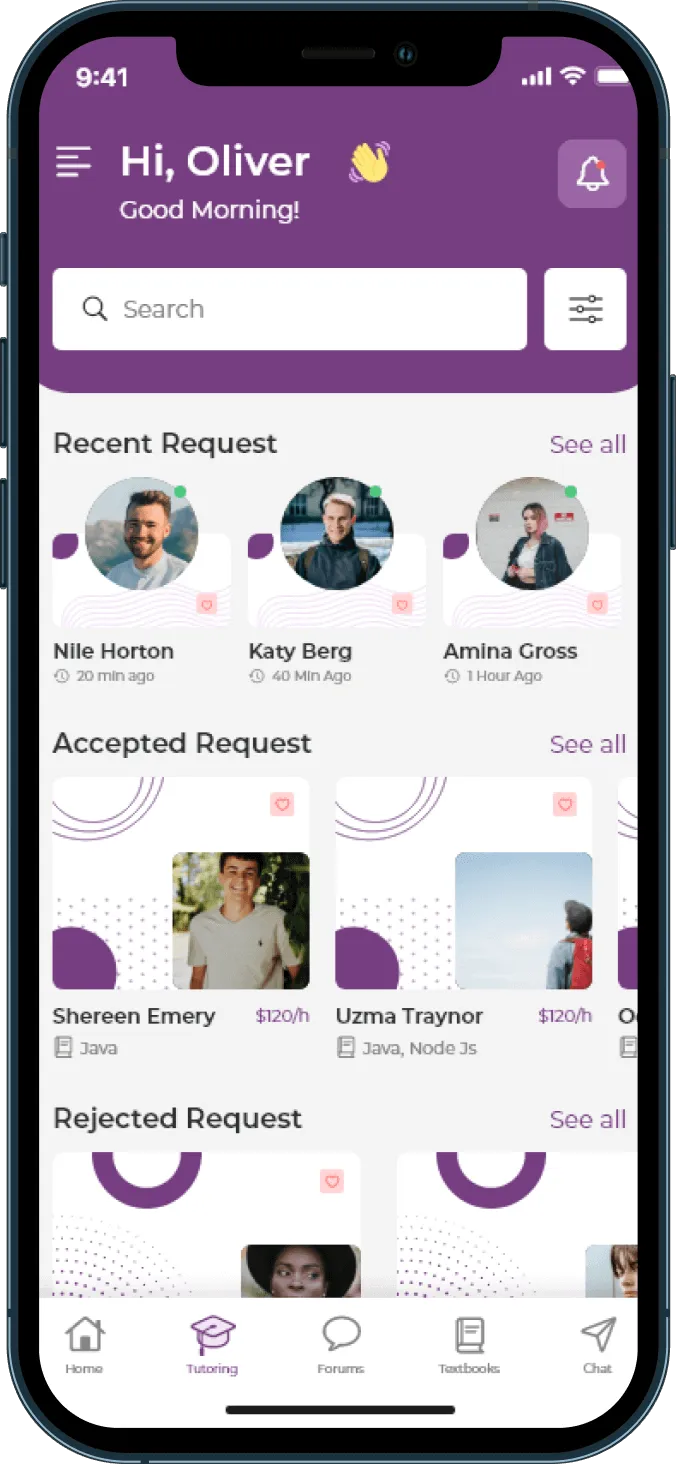
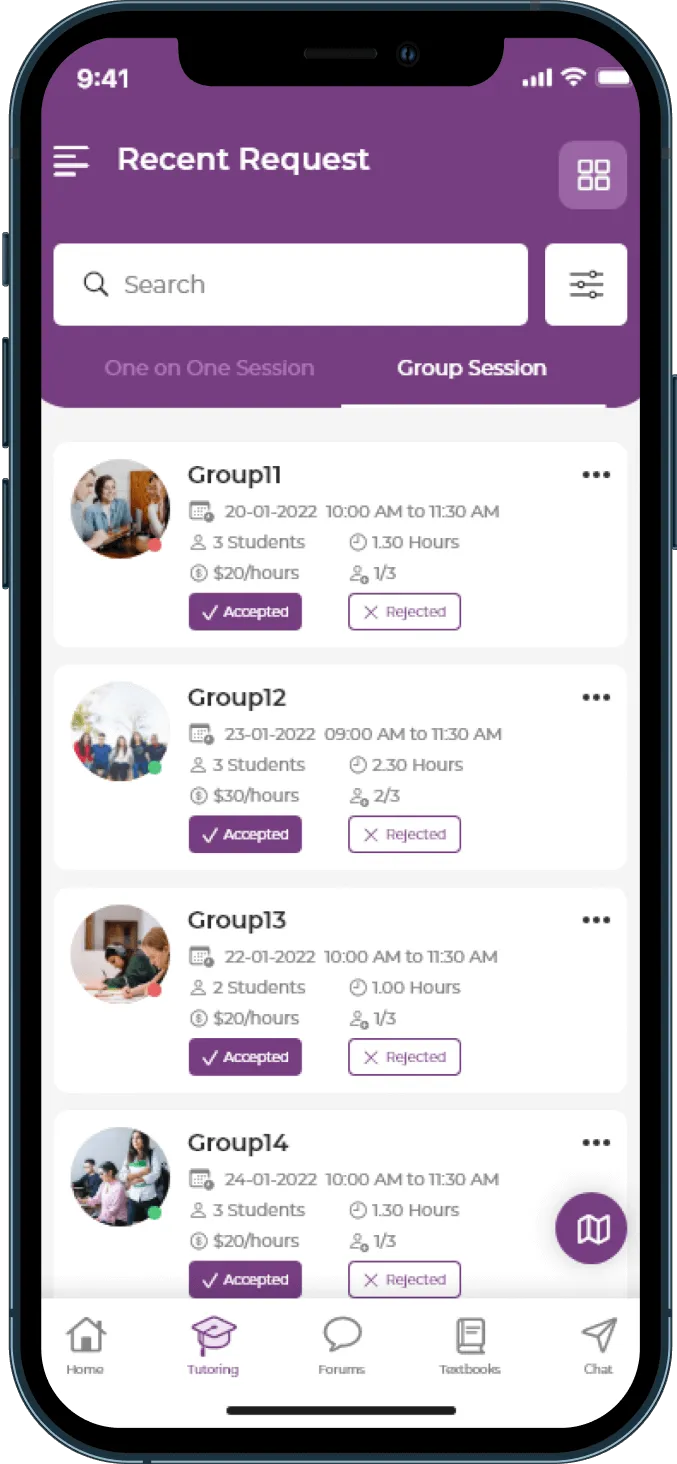
Review requests on the Tutoring tab and start accepted sessions in-app.
Marketplace
How do you get students?
Students find you through the marketplace, filtered by subject, category, and hourly price. Your profile competes on rating, acceptance rate, students taught, education, and subject match.
-
Answer fast and accept often
Acceptance rate is displayed on your profile - students use it to decide who to ask.
-
Be specific in your subject list
"Math" loses to "AP Calculus AB, AP Calculus BC, Calculus I."
-
Write a bio about outcomes
Students are buying a grade, a passed exam, or an unblocked concept - not a résumé dump.
-
Price deliberately
A rate far below the market reads as inexperience as often as it reads as value.
Groups
How do group sessions work for tutors?
Create a group from the menu (Menu → My Groups → +). Students view your profile, see your groups, and request a spot. Group requests appear on your Tutoring tab like one-on-one requests - and you start from an accepted request.
Effective hourly rate
Groups are the main lever on your earnings per hour - several students share one live session while you teach once.
Payouts
How do tutors get paid?
Complete Stripe identity and bank verification once. After that, payments process automatically after each session. Track wallet balance, transactions, hours taught, and total earnings in the app.
- Stripe identity + bank verification
- Automatic payment after each completed session
- Wallet, hours, and earnings in one place
Requirements
What do you need to teach on BusyHen?
Same Apple devices as students. Complete payout setup before your first booking so earnings are ready when sessions end.
- 1
An iPhone, iPad, Mac with Apple silicon, or Apple Vision Pro
- 2
A stable internet connection
- 3
Verifiable identity and a bank account for Stripe payouts
- 4
Subject knowledge you can evidence in your profile

For Tutors
FAQ
Download
Start teaching on BusyHen
Publish a profile, set your rate, and get paid through Stripe - same app as your students.