


One-on-one
Private session
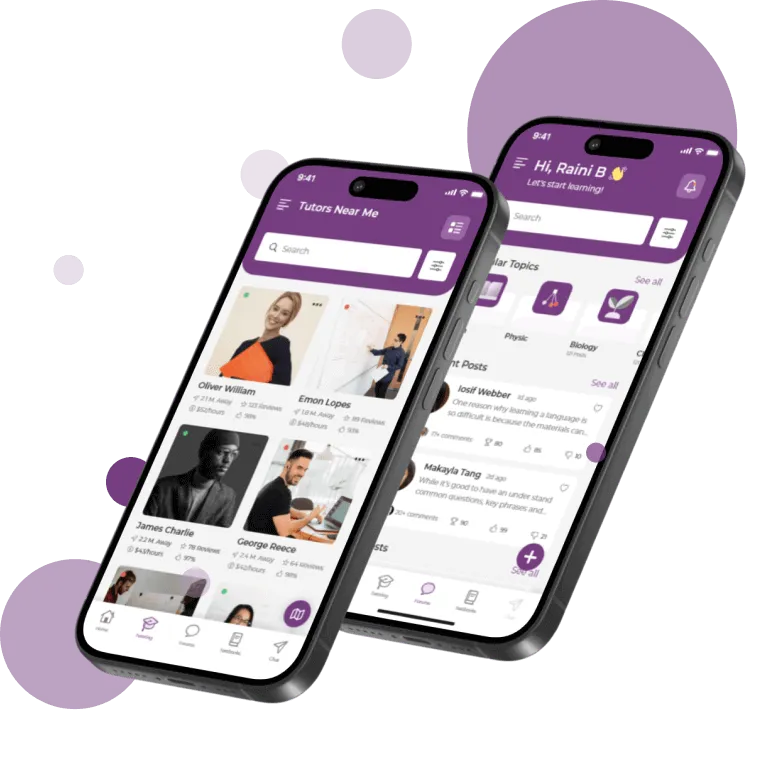
Open a tutor’s profile and send a one-on-one request with your preferred time.
For Students
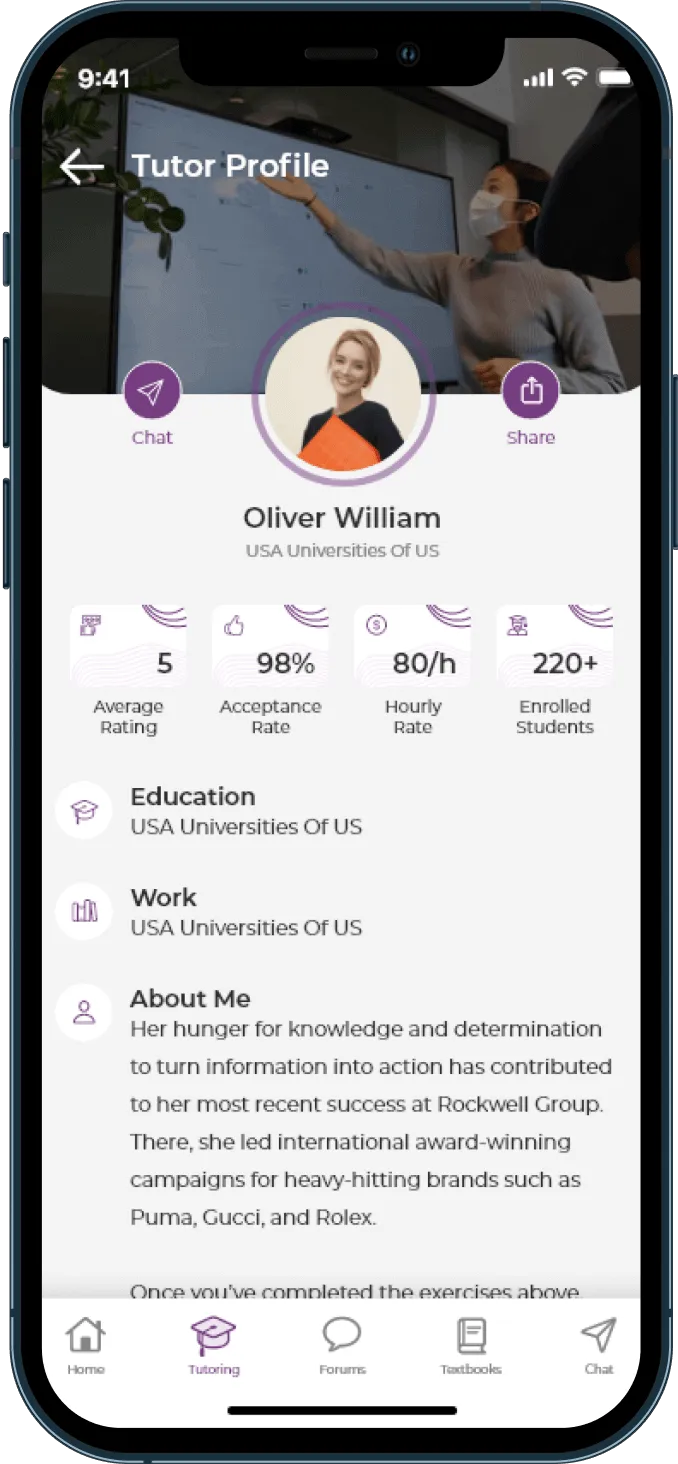
BusyHen is a peer-to-peer tutoring marketplace. Students search a tutor directory by subject, category, and hourly rate, compare profiles that show ratings, acceptance rate, education, and students taught, then book a one-on-one or group session. The same account can switch between student and tutor. Sessions run on in-app video with a shared whiteboard. Payment goes through Stripe after the session ends.
Find
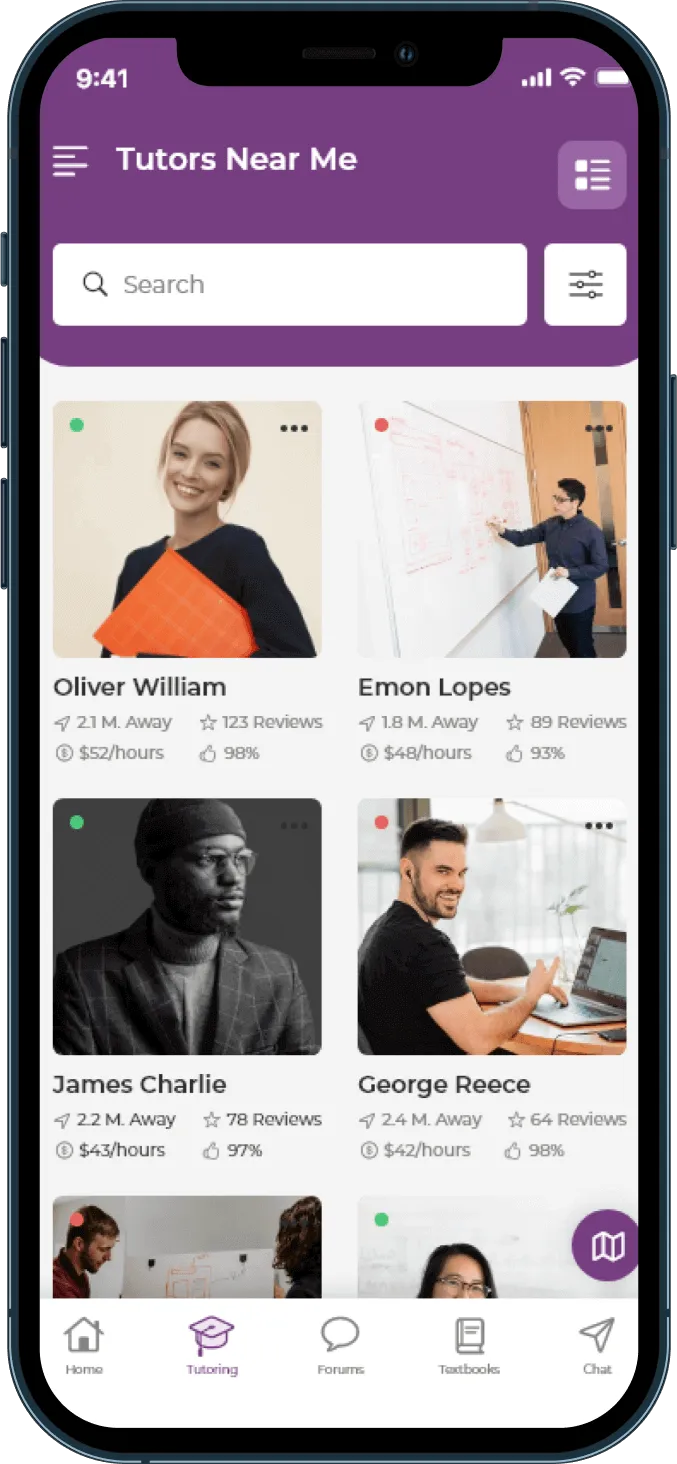
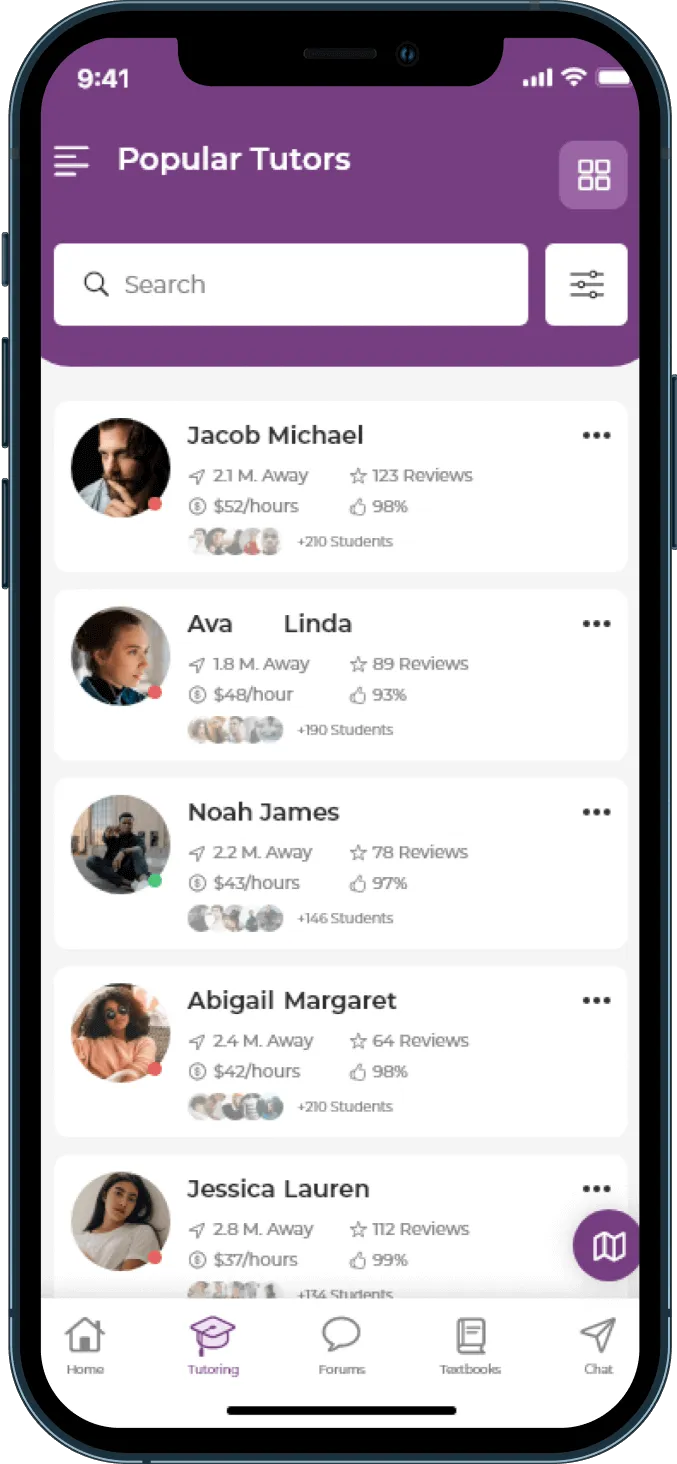
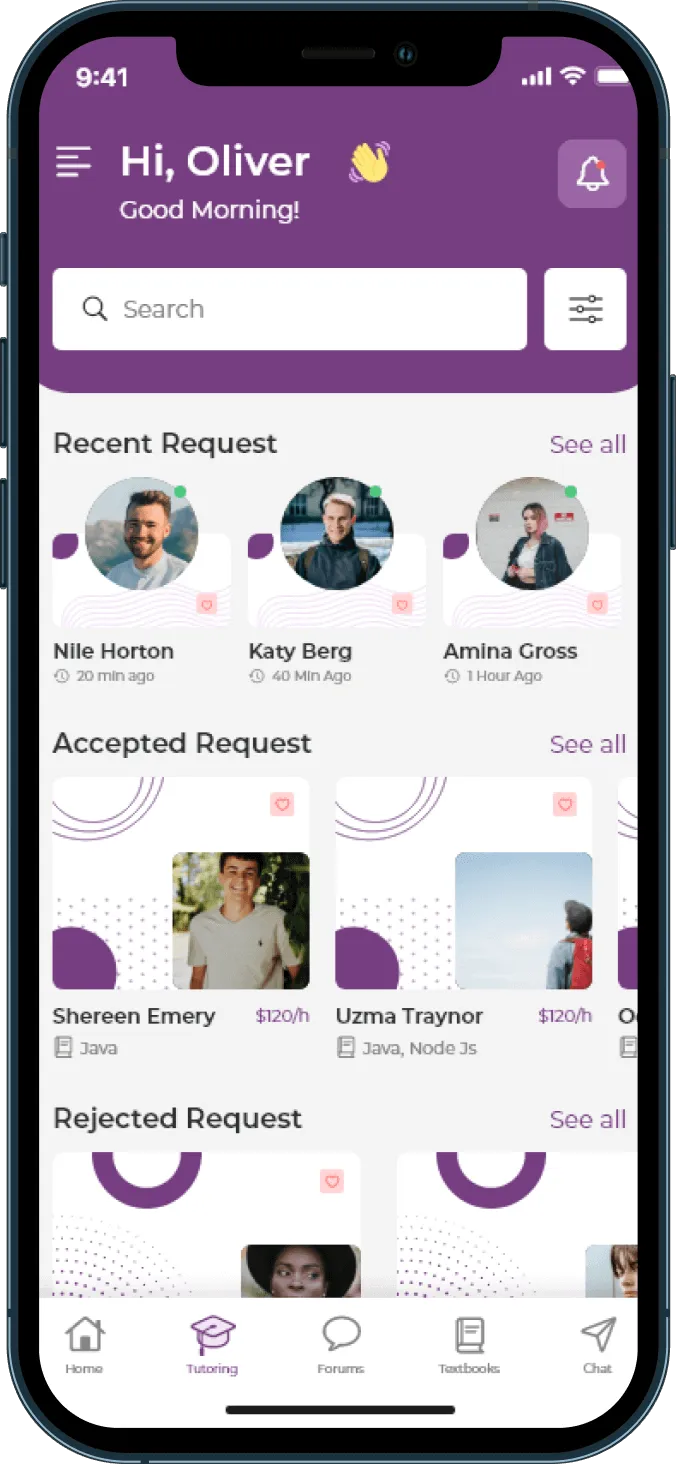
Open the Tutoring tab and browse tutors on your campus and popular tutors. Filter by subject, category, and hourly price range - then read the profiles.
Subject match
Beats overall rating. A five-star English tutor is not a chemistry tutor.
Acceptance rate
Tells you whether you will get a reply - not just a pretty profile.
Students taught
Distinguishes an active tutor from a dormant profile.
Hourly rate
Pay for sessions that need a person. Use AI Tutor for quick questions in between.
Book
Send a request, track status on the Tutoring tab, then start when the tutor accepts.
One-on-one
Open a tutor’s profile and send a one-on-one request with your preferred time.
Group
View groups the tutor created, pick one, and request a spot at the listed per-student price.
Request status
Once accepted, you start the session from that request - no Zoom link hunt.
Learn live
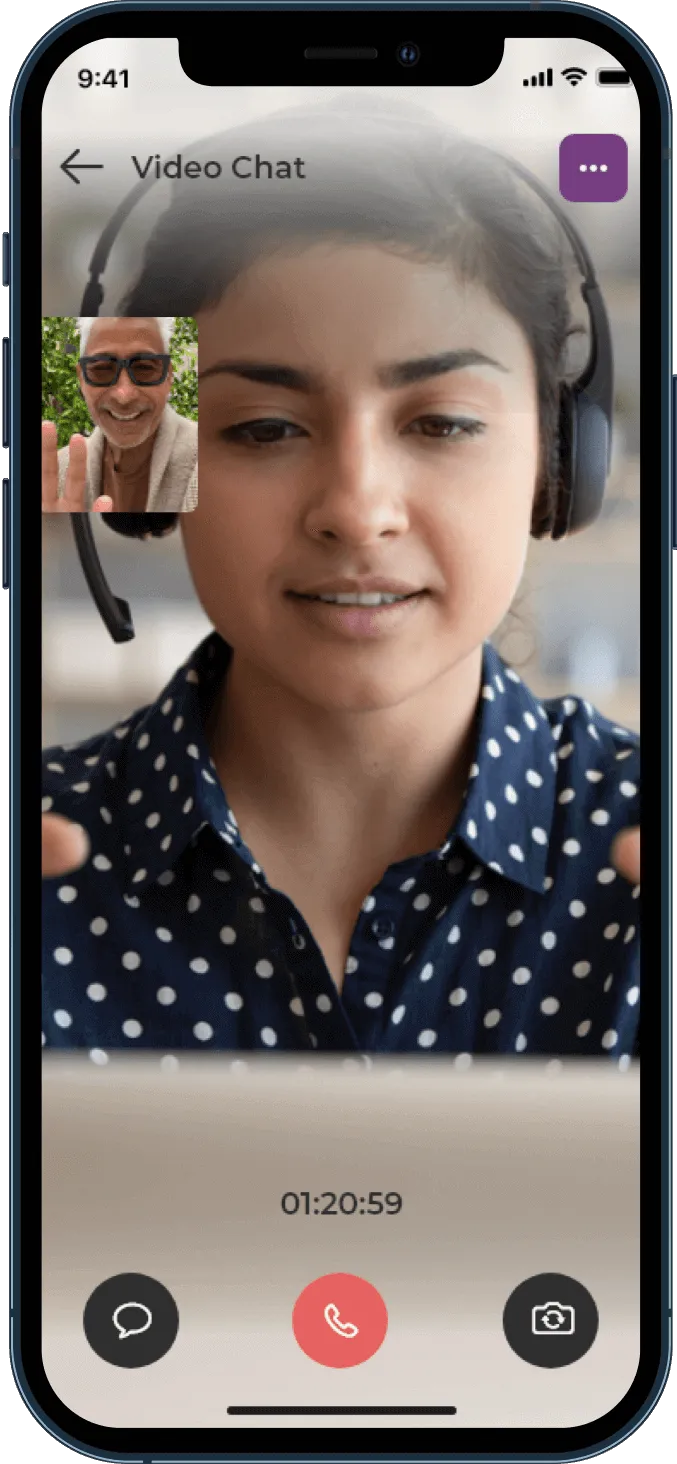
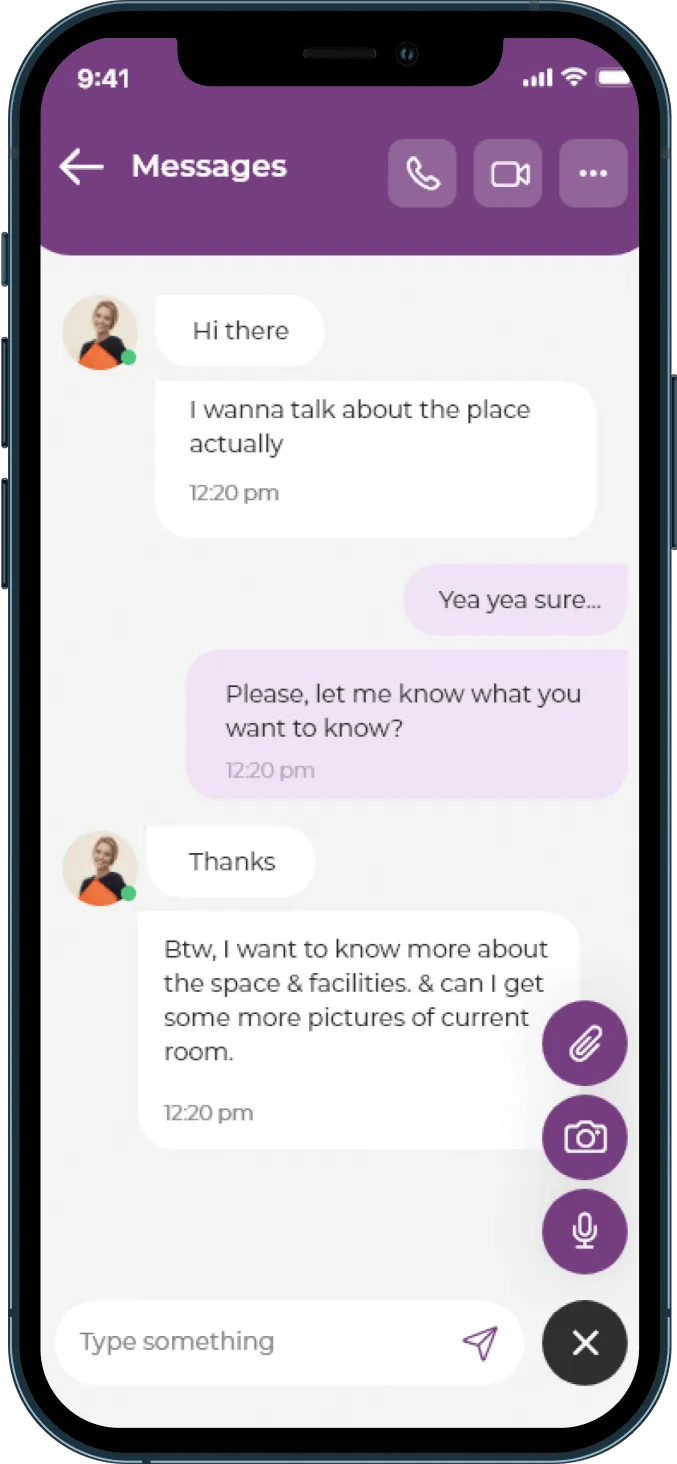
You join in-app video with a session timer so you can see how long you have used. Work problems on a shared whiteboard, drop a formula in chat, then review with an AI summary.
Pricing
Each tutor sets their own hourly rate - shown on the profile before you book. Track sessions and spending in the app.
Card authenticated through Stripe - not charged yet.
Session confirmed. Still no charge.
Payment taken automatically from the authenticated card.
Between sessions
Use the AI Tutor. It answers by voice or text, keeps history so you can return to a topic, and is available from anywhere in the app - with or without a booked session.

For Students
Download
Download BusyHen and browse the marketplace for free.